tidy.A LITTLE LESS BUSYWORK

YOUR EVERYDAY TOOL DRAWER

Small tools.
Less work.

Square that photo. Check that print.
Clean up what you share. Then get on with your day.

Find your tool
No account neededFiles stay on your deviceFree to use

A small, useful collection.

01 — 03

START WITH THE JOB

Which tool gets you there?

On a small screen, scroll the table sideways to compare all columns.

Choose a tool by the result you need
You need to…UseYou getKnow the limit
Keep a whole product photo in a square listingSquare ImagesA padded image or a ZIP of up to 20 imagesWhite padding, not background removal. Images are re-encoded.
Check a photo before ordering a printPrint Size CheckEffective PPI, a placement preview and crop/border estimatesNo print file is exported. PPI cannot measure blur or guarantee a good print.
Remove embedded location or camera details from a JPEGPhoto Privacy CheckA ZIP of cleaned copies, inspected again before downloadJPEG only. Visible clues remain; required orientation and optional ICC profiles can remain.

REAL INPUTS. EXPLAINED OUTPUTS.

See the result before choosing a file.

Square: add space, keep every edge.

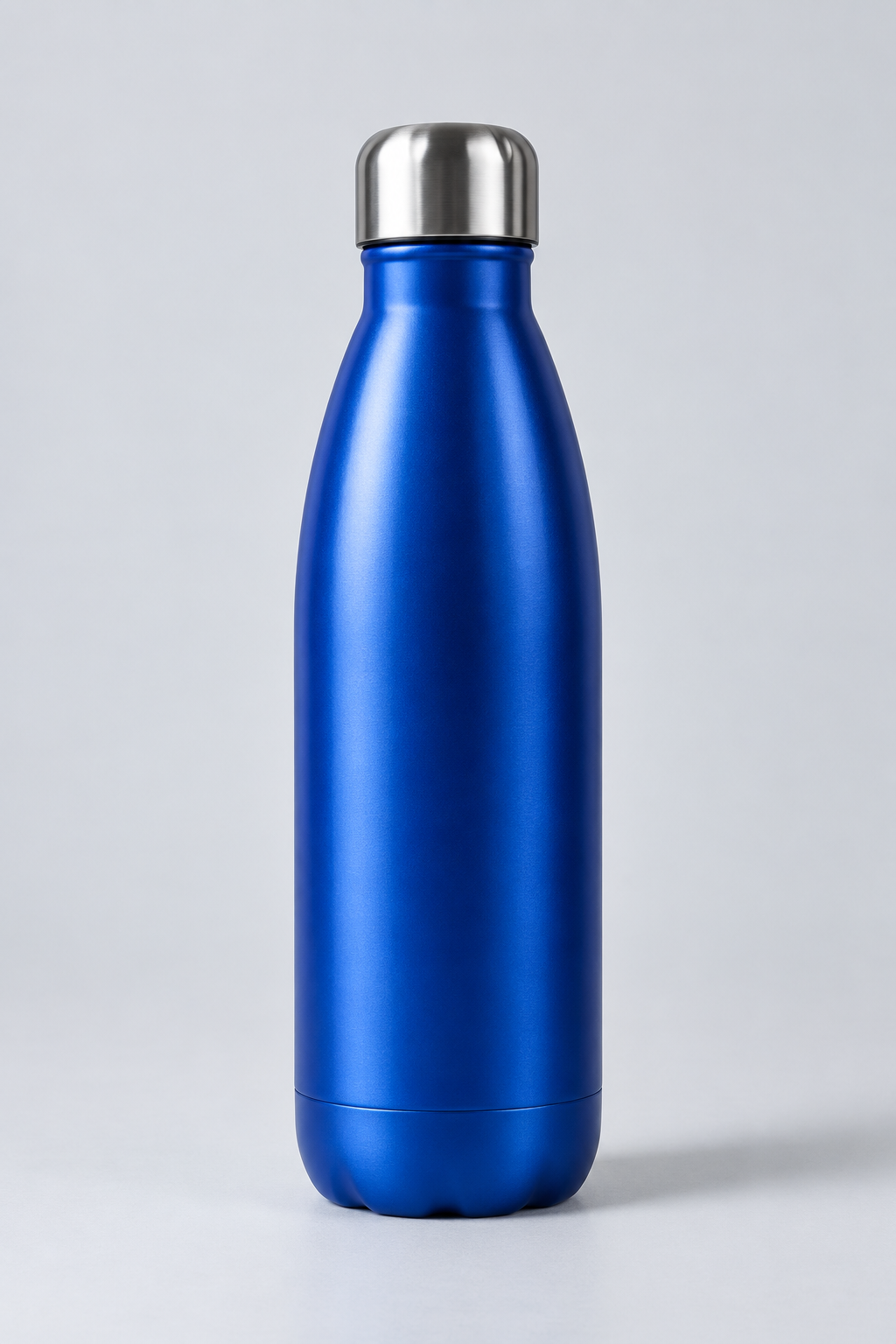
Take the tool’s AI-generated bottle sample, 1024 × 1536 pixels. Choose a 1024 × 1024 canvas, 5% minimum padding per side and leave enlargement off.

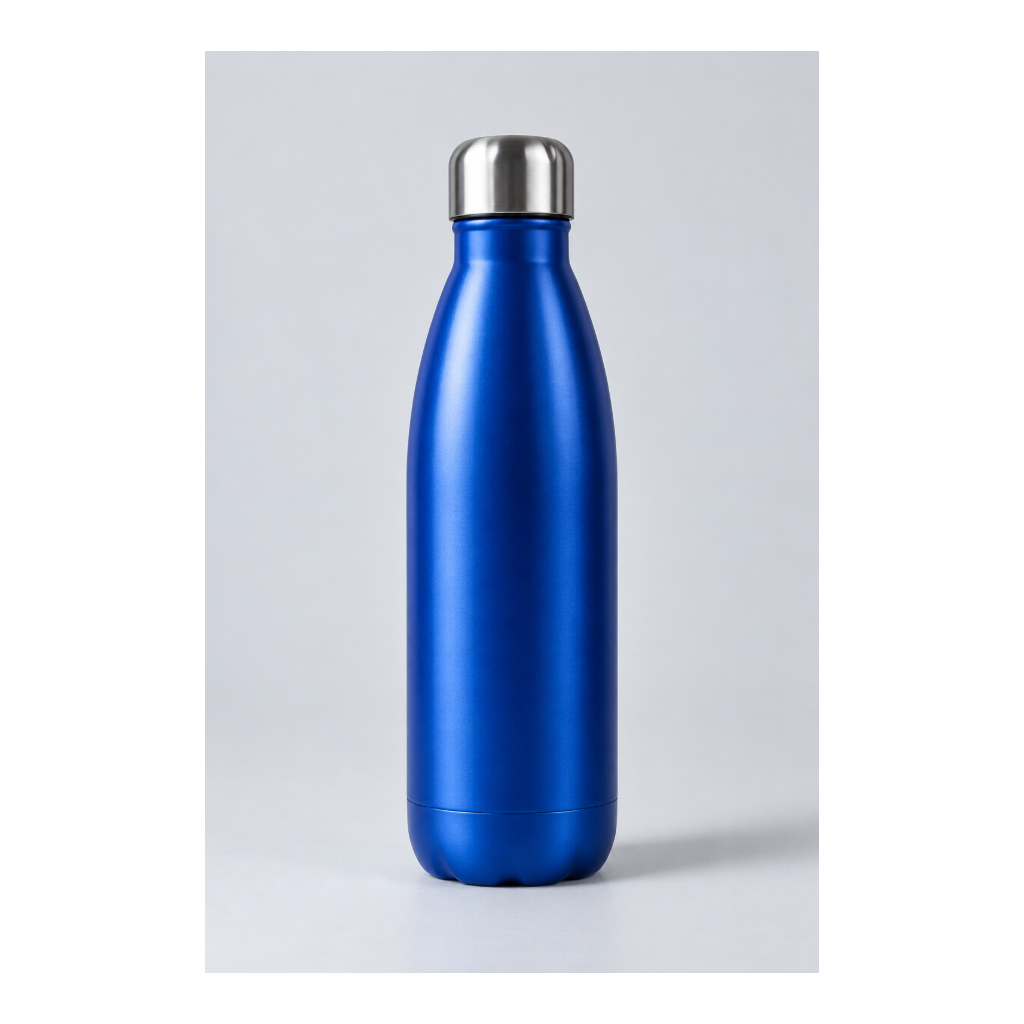
The whole photo becomes 614 × 922 pixels, centered on white. The export is square; none of the original frame is cropped. The longer side uses 90% of the canvas, so the shorter side has extra white space.

A larger canvas will not add detail. Transparent pixels become white, and the original background stays in the photo. For a store that crops images, first check its theme’s fit setting.
Try the same sample · Read the square photo guide

AI-generated blue bottle in the original portrait photo
Input · 1024 × 1536
Export from Square Images with the whole bottle photo centered on a white square
Actual export · 1024 × 1024

Print: the same pixels, a different placement.

A 1200 × 1800 pixel portrait fills a 4 × 6 inch print at 300 PPI. On 8 × 10 inch paper, keeping the whole photo gives 180 PPI and a 6.67 × 10 inch image with side borders.

Filling the 8 × 10 paper instead gives 150 PPI and crops about 16.7% of the image area from the top and bottom. The calculator makes that tradeoff visible; it does not resize your original.

See the existing worked PPI example · Check your print size

Pixels ÷ printed inches = PPI

1200 ÷ 4 = 300
1800 ÷ 6 = 300

Changing an embedded DPI tag does not create pixels. Focus, compression, printer settings, paper and viewing distance still matter.

Privacy: remove metadata, keep the image data.

The harmless sample is an 80 × 40 pixel test pattern with fictional camera details, “Example Person” as creator, a demo timestamp and GPS 0.00000, 0.00000. These are invented demonstration values.

Cleaning removes those fields and checks the copy again. The sample’s required EXIF orientation 6 stays, so it displays the same way up. Its compressed JPEG image data is not re-encoded.

The sample has no ICC profile. In files that have one, the colour-profile option keeps it by default, including any profile descriptions. Turn it off if you need to remove those bytes, with possible colour changes.

Inspect the before/after example · Try the fictional sample

Before → after

GPS: 0, 0 → removed
Creator: Example Person → removed
Orientation: 6 → 6
Compressed image data → unchanged

Cleaning cannot hide a face, address or other detail visible in the pixels. Check the picture and filename yourself before sharing.

READ FIRST

Guides

All 15 guides

SMALL ON PURPOSE

One job.
Done simply.

Tidy is an independent project by Infinite Dev Works: a collection of focused browser tools. Each one handles a small task, explains its limits, and gives you a result you can use.

Your selected images are processed on your device. There is no upload queue, account to create, or subscription to start. Each tool keeps its own interface, with shared Tidy navigation to move between them. Read about the tools, testing and contact.

A note on privacy

These tools process your selected files in your browser and do not upload them. Google AdSense and its consent services may use cookies and process advertising-related information. We do not have user accounts. Cloudflare hosts the sites and processes ordinary web request information, such as IP addresses, to deliver and protect them; it can also collect page-performance measurements. Read our privacy and cookie policy and each tool’s file-handling limits. Photo metadata removal does not hide details visible in an image.

Loading a sample downloads an example image from the tool’s website. Refreshing the page clears selected files from the tool’s working memory.